Images are unselected by default. You decide what goes into the ZIP.
图片默认不勾选,是否全选或单选都由你决定。
Export selected images from the Pinterest board you are viewing into clean ZIP archives. Built for designers, creators, decorators, and moodboard collectors.
把当前 Pinterest 图版中的选中图片导出为本地 ZIP 文件。适合设计师、创作者、室内软装参考和灵感图版整理用户。
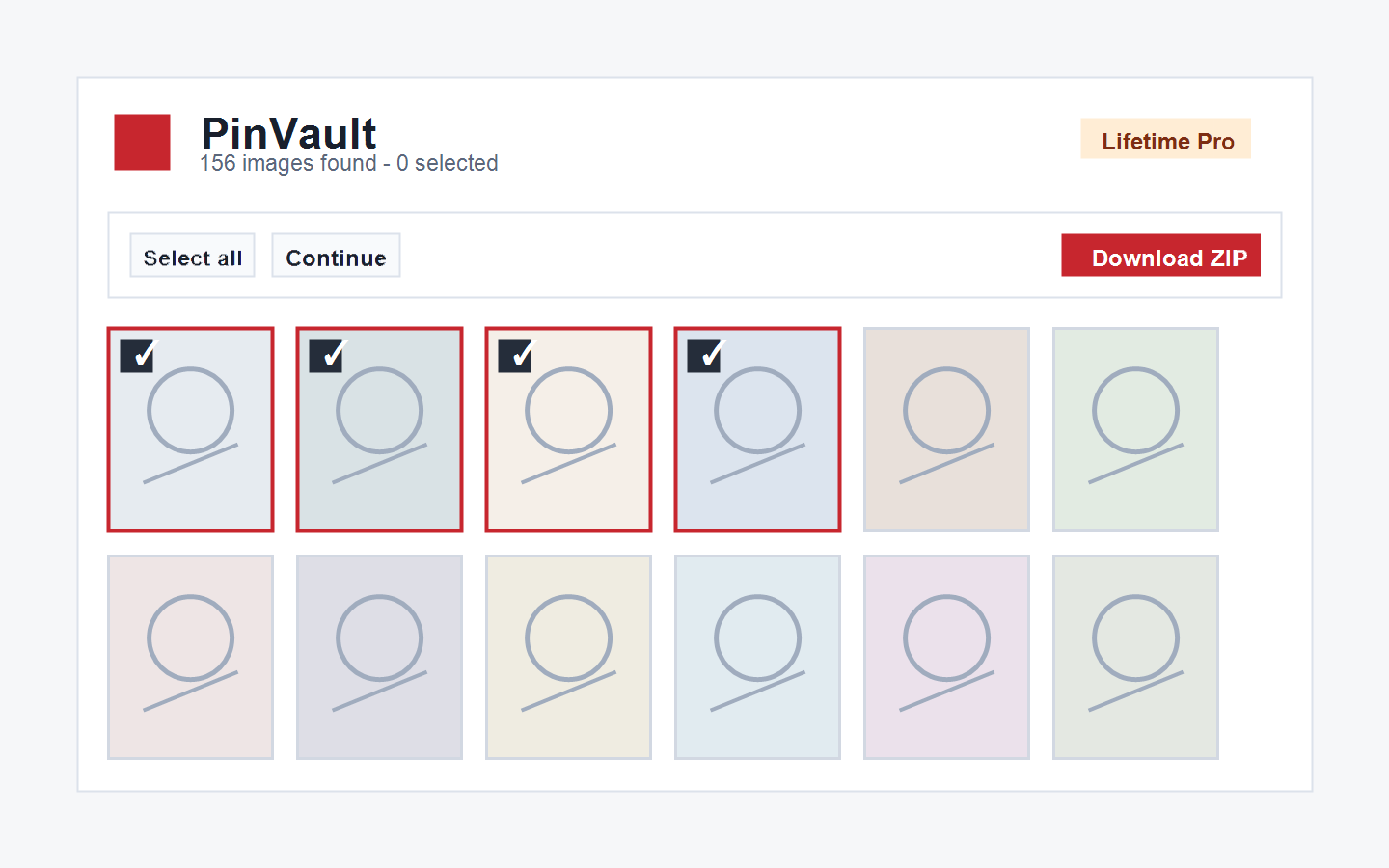
PinVault keeps the workflow simple: scan the board, choose what you need, export a ZIP, and keep the files on your own device.
PinVault 的流程很直接:扫描图版、选择图片、导出 ZIP,并把文件保存在你自己的设备上。
Images are unselected by default. You decide what goes into the ZIP.
图片默认不勾选,是否全选或单选都由你决定。
Handles Pinterest infinite scroll and can continue scanning large boards.
支持 Pinterest 瀑布流图版,可继续扫描大图版。
Prioritizes better Pinterest image URLs when they are available.
优先使用可用的高清 Pinterest 图片地址。
Automatic retries and a manual retry button help recover failed images.
自动重试,并支持手动重试失败图片。
Export up to 30 images without an email, then unlock unlimited exports for free.
无需邮箱可导出 30 张,之后可通过邮箱免费解锁无限导出。
No Pinterest passwords, no browsing history, and no uploaded image files.
不收集 Pinterest 密码,不读取浏览历史,不上传导出图片。
Navigate to the Pinterest board you want to organize.
打开你要整理的 Pinterest 图版。
PinVault scans the current board and handles infinite scroll.
PinVault 扫描当前图版,并处理瀑布流加载。
Choose individual images or select everything when you need the full board.
按需单选,或需要整版时手动全选。
Download a clean ZIP archive to your own device.
把图片打包为干净的 ZIP 文件保存到本地。